
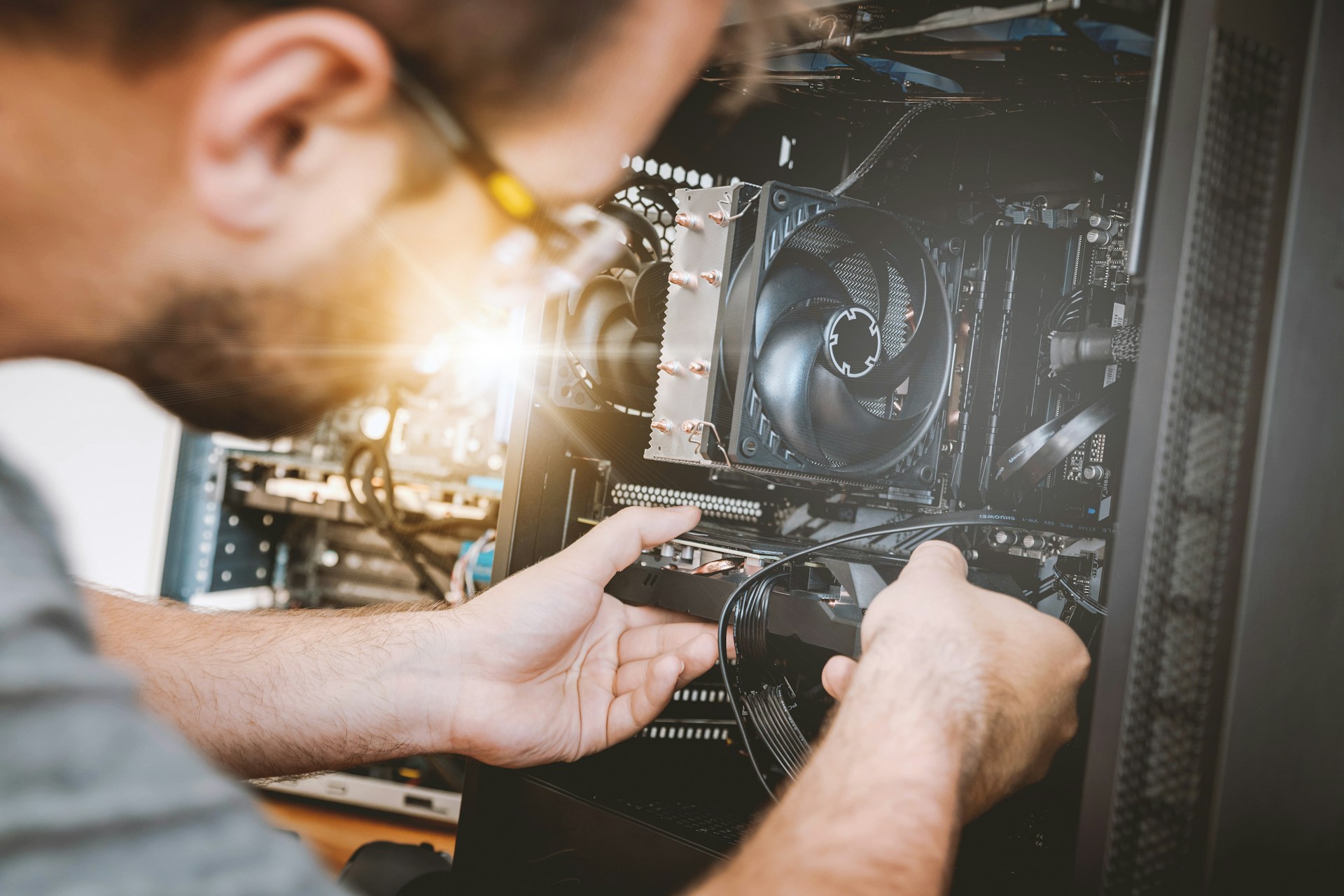
Ever wonder why your computer suddenly won’t start, or why it makes an odd noise? That’s where diagnosing hardware problems comes into play. Catching these issues early can save you time, money, and a whole lot of frustration. By addressing problems before they become a crisis, you ensure that your day runs smoothly without unexpected tech headaches.
Especially for businesses in Arlington, keeping your computer hardware in check is key to maintaining productivity. With the fall season around the corner, it’s a great time to pay attention to your equipment and spot any signs that something might be off. Being proactive with your hardware can help prevent smaller glitches from blowing up into major issues that could disrupt your workflow.
Recognizing Warning Signs
Knowing what to look for can be your first line of defense against hardware issues. Think of it like noticing that clunking noise in your car before it turns into a full-blown breakdown. Here are some common signs that your computer might be crying out for help:
– Frequent crashes or error messages
– Strange clicking, grinding, or buzzing noises
– Overheating even when performing simple tasks
– Unresponsive peripherals like mouse or keyboard
– Unexpected shut-downs or restarts
Paying attention to these warning signals can help you avoid more serious troubles down the line. Ignoring these clues is like continuing to drive your car with the oil light on—eventually, something’s gonna give. By spotting these red flags early, you’re not just saving your peace of mind, but also setting up your equipment for a longer, healthier life span. Recognizing that something might be wrong and understanding what could be wrong are two very different things. An ounce of prevention now can save you a pound of cure later.
Preventative Maintenance Tips
Keeping your computer in tip-top shape doesn’t have to be a complex task. Just like maintaining a car, there are simple actions you can take daily to ensure your hardware remains reliable:
– Dust off your computer and keyboard regularly to prevent overheating.
– Check cables and connections, making sure they are secure and positioned correctly.
– Update software and drivers to keep the system running smoothly.
– Run virus scans weekly to catch any harmful software before it causes serious issues.
Consistent upkeep can significantly extend the lifespan of your equipment and ward off more severe problems. Think of it like brushing your teeth; a little bit of care each day goes a long way. Incorporating these habits into your routine will not only save you from major headaches but also help you avoid disruptions in your busy schedule.
Benefits of Professional Diagnosis
While everyday maintenance is valuable, there are times when professional help becomes necessary. Hiring experts for computer hardware support offers several compelling advantages. One of the most significant benefits is having a trained eye to recognize early signs and subtle problems that might escape notice.
Professionals can provide:
– Accurate diagnostics to pinpoint issues swiftly
– Tailored solutions that fit the unique needs of your company
– Access to specialized tools and advanced expertise
A proactive approach can save time and cut costs in the long run, minimizing downtime and ensuring you’re not held back by technical hiccups. Imagine having a specialist who knows the ins and outs of your system, ready to step in before small issues become costly setbacks.
Long-Term Hardware Health Strategies
For sustained reliability, it’s wise to adopt strategies that safeguard your hardware over the long term. Here are steps to keep in mind:
– Schedule regular check-ups with a trusted technician.
– Invest in quality power strips and backups to protect against surges.
– Keep your workspace organized to allow proper airflow around your devices.
– Plan for hardware upgrades to keep pace with the latest technology.
Just as you would schedule routine dental cleanings or car inspections, having a structured plan for hardware oversight can prevent unexpected failures. This planning not only ensures the hardware lasts longer but also helps maintain smooth business operations in Arlington’s bustling environment.
Keeping Your Business Running Smoothly
Bringing everything together, maintaining your computer hardware is more than just preventing immediate problems; it’s about laying a foundation for consistent productivity. By recognizing warning signs, performing regular maintenance, and relying on expert support, you’re taking vital steps to a smoother business operation. Consider these practices part of an ongoing commitment to efficiency and peace of mind.
Your technology is a backbone that supports daily tasks, and giving it proper attention is key to avoiding disruptions and unexpected costs. By following the guidelines outlined here, you put yourself in a strong position to tackle challenges head-on while ensuring seamless workflow continuity.
When it’s time to ensure efficient and reliable tech operations, trust Avert Network Services to provide expert support tailored to your needs. Learn how our computer hardware support can keep your equipment running smoothly, reduce downtime, and enhance productivity for your business in Arlington.