
When IT support is fully remote, it can feel like the help is coming from far away and without context. Schedules get missed, descriptions get misread, and sometimes, the support team just can’t see what you’re talking about. But when there’s someone onsite, our IT helpdesk services become more than quick fixes. They become connected to how people really work day to day. We’re able to walk by a desk, notice a missed cable, or catch a slowdown before anyone even submits a ticket.
In spring, these little touchpoints matter more. New hires arrive. Workstations shift. Shared equipment gets more use. That’s when small issues, like printer sharing or network drops, start to surface. And when we’re already in the room, those issues rarely stick around for long.
Why In-Person Support Reduces Downtime
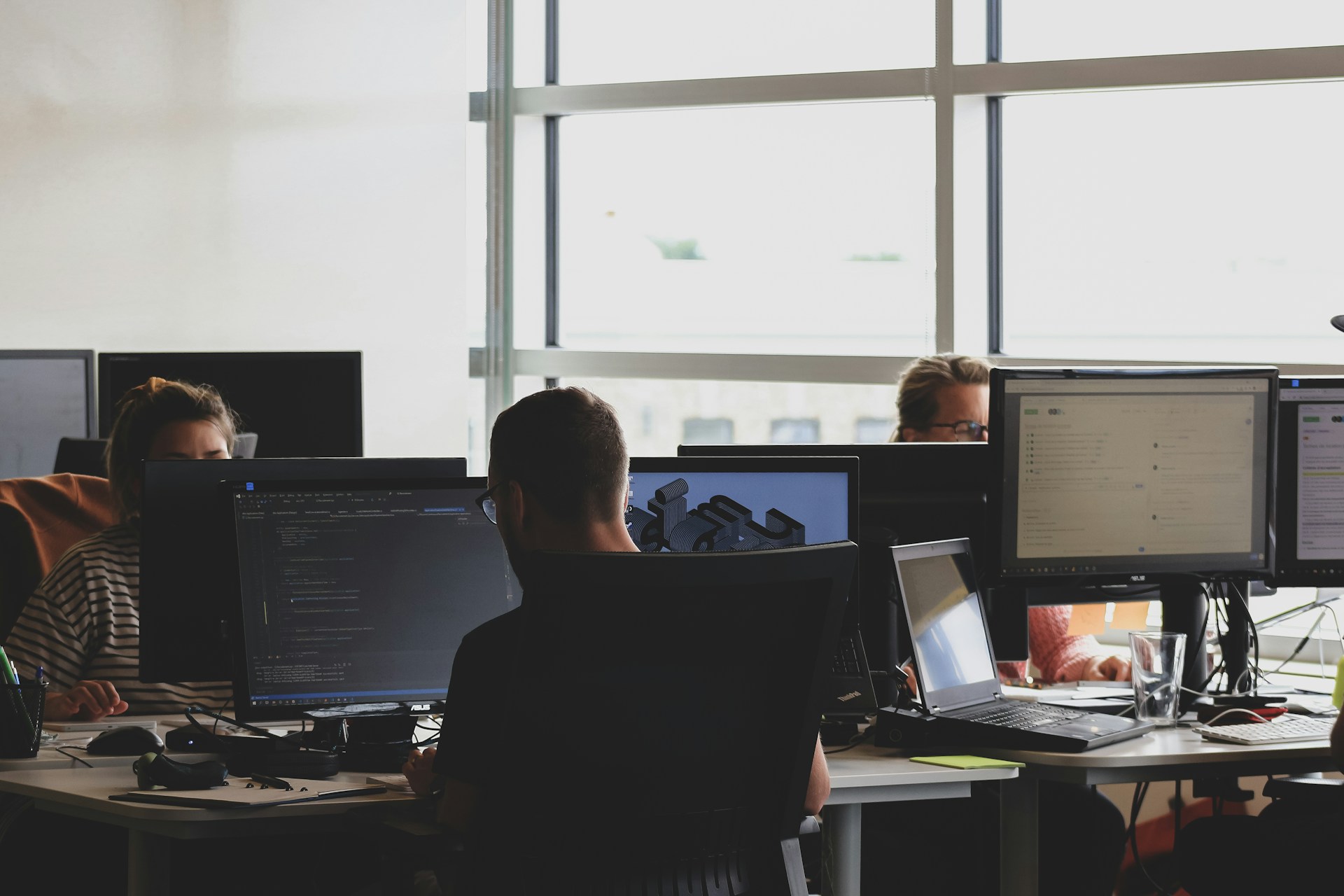
When we’re in the same space as the people and the machines, we can troubleshoot a problem before it spreads or affects others. If a desktop starts showing signs of instability or a cable is loose behind a conference table setup, those are problems we can catch without anyone needing to file a report.
Some things don’t show up clearly over screen sharing or chat. In-person staff can:
- Spot physical damage or wear that isn’t reported
- Check cable runs and peripheral connection points
- Identify whether signals are being blocked or interrupted in the environment
Face-to-face help also makes it easier to understand urgency. It’s simple to tell when someone is feeling pressure or losing time. We can respond with the right mix of speed and explanation, which often makes problem-solving go faster. And when someone fixes your issue in minutes while standing next to you, it builds trust in a way that remote help can’t always deliver.
At Avert Network Services, we provide both remote and onsite IT helpdesk services that are managed and monitored by our technical support team, as listed on our help desk services page. Clients have access to fast troubleshooting and local support designed around Arlington businesses.
When Remote Helpdesk Falls Short
While remote support has its place, there are clear disconnects that show up more in spring when office activity picks up again. The limits become clearer when you’re dealing with shared desks, temporary setups, or new equipment being added to the network.
- Frozen systems can’t always be accessed remotely
- Connection issues can lock users out while the helpdesk waits for a response
- Visual layouts, like how ports are being used or how cables loop, are hard to describe and harder to fix without seeing them
We’ve had times when a five-minute walk to a workstation saved thirty minutes of back-and-forth over email. It’s easier to diagnose when you’re standing in the same room, hearing the sounds the machine makes or watching the lag as it happens. That kind of real-time visibility lets us make better calls on hardware replacements or setting adjustments without wasting time.
Supporting Seasonal Shifts and Office Changes
As spring kicks off, offices often undergo small changes. Some teams reshuffle. Some departments get new desks or reworked layouts. All of this affects the systems sitting underneath it, wires, ports, signal access, and software permissions that might not have been touched since last year.
Having onsite support means we can:
- Help move and reconnect workstations properly
- Review printer setups or docking station behavior under daily use
- Physically inspect wiring paths, shelf stability, and loose connections before they lead to downed stations
These early-season weeks tend to be quieter in terms of urgency, which makes it the right moment to check on slow machines, memory issues, or odd network behavior. Catching them now means smoother operation when summer schedules heat up again.
Helping People Instead of Just Fixing Machines
Just as important as solving technical issues is how we support the people using those systems. Being seen around the office and offering small walk-throughs can turn confused users into confident ones. Many tech issues are actually just missed steps, skipped updates, or tools that don’t feel intuitive to someone who’s just trying to finish a task.
- We can spot repeated habits that cause user errors
- Show someone how to reset a password or manage a sync instead of fixing it for them every time
- Step in when two people are unknowingly working against each other’s shared folder setup
These moments don’t always make it into tickets or IT dashboards. But they matter. They build independence and keep us from seeing the same issues come up again and again. And users feel less frustrated because they understand what’s happening, not just that it’s fixed.
A Smarter Way to Stay Ready Year-Round
Our job will always involve fixing downtimes, resetting hardware, and making sure security patches get applied. But when we’re physically present, our IT helpdesk services shift from being reactive to being quietly proactive. Spring gives us the perfect rhythm to do that, when everyone is mentally clearing out the old and prepping for more fast-paced months ahead.
Bringing the human side into IT support supports that flow. Offices in Arlington, Texas, and beyond are built on connections between people, not just machines. When we’re part of the space, part of the daily activity, it’s easier to see when something’s off before it turns into a bigger delay. That’s where smarter support lives, in the moments no one else notices, but we’re there to catch early.
When you need real eyes and hands nearby to keep things running smoothly, we’re right here in Arlington, Texas, ready to help. Avert Network Services understands that quick responses are about more than just speed, they’re about knowing your setup, your routines, and your space. Our team is just down the hall, ready to take care of day-to-day updates before they become problems. Let’s connect to see how our IT helpdesk services can keep your office moving this season.